 Image Studio
Image transformation API
One image in.
Every version out.
Upload a base image once. Resize, crop, layer text, apply effects and cut out backgrounds with AI by editing the URL. Every new image is generated on request and delivered through a secure API.
- PNG, JPG, WebP, AVIF
- AI background removal
- Personal API key
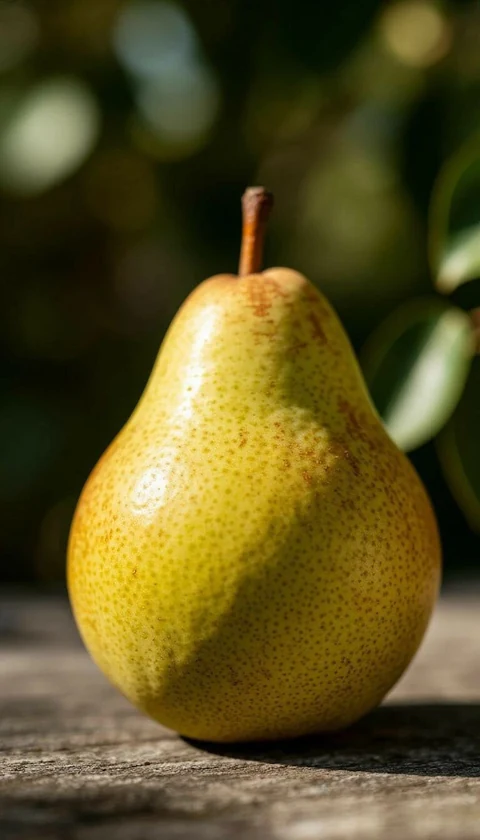 SOURCE
736x1288
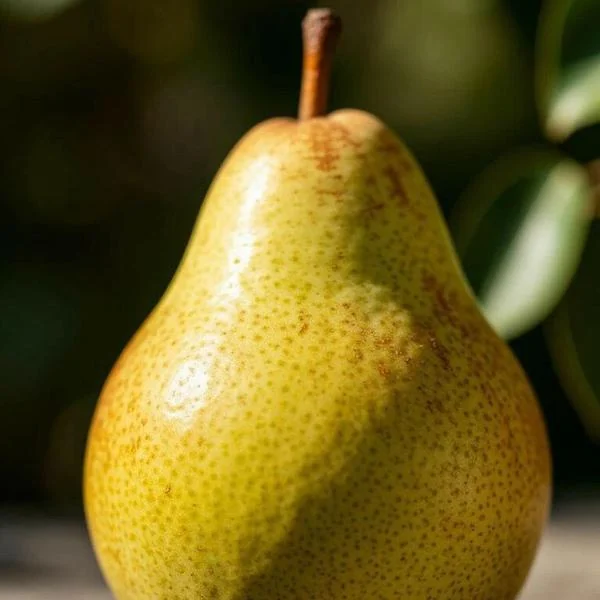 Square crop 600x600
/api/:key/images/:folder/:image/w_600,
Resize image by URL
One source. As many sizes as your product needs.
Resize an image by URL: ask for a width and the engine scales the same base image to it. Shown at true proportions, rendered by the Image Studio engine.
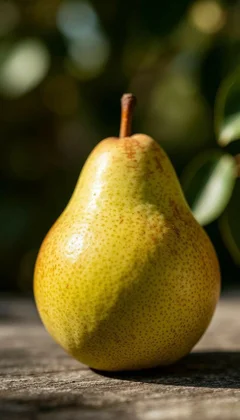
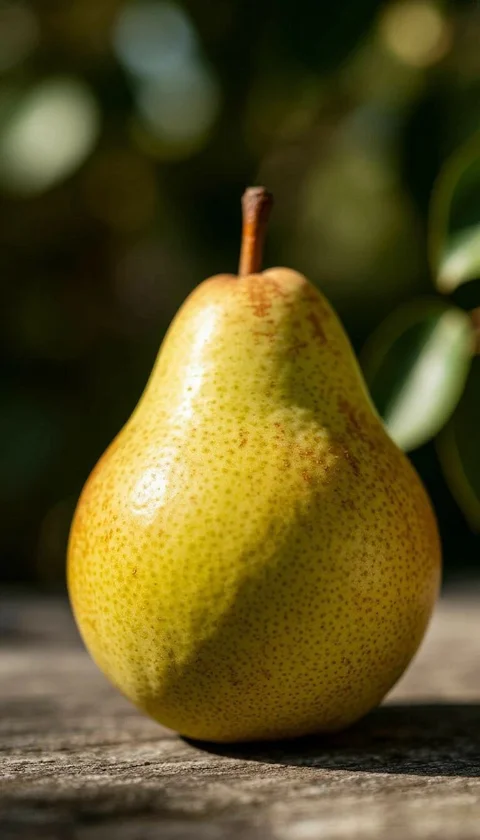
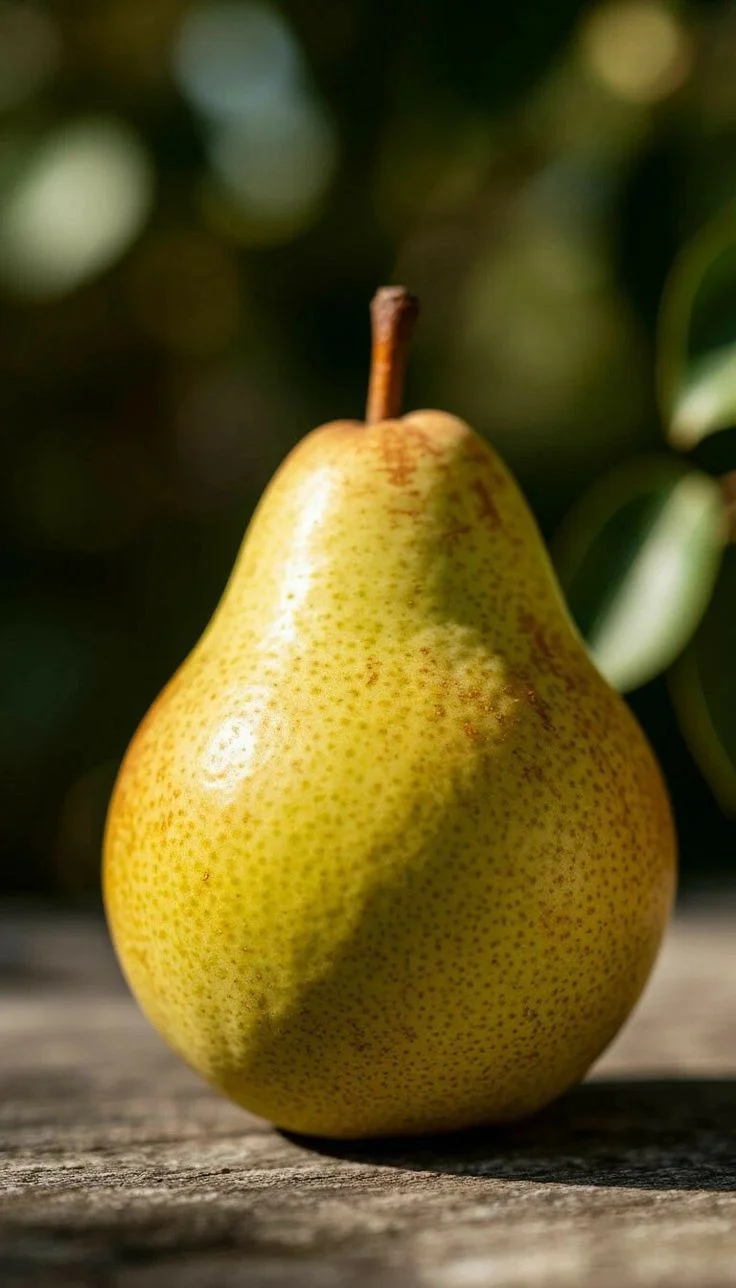
Image cropping API
Same photo. Every frame it has to fit.
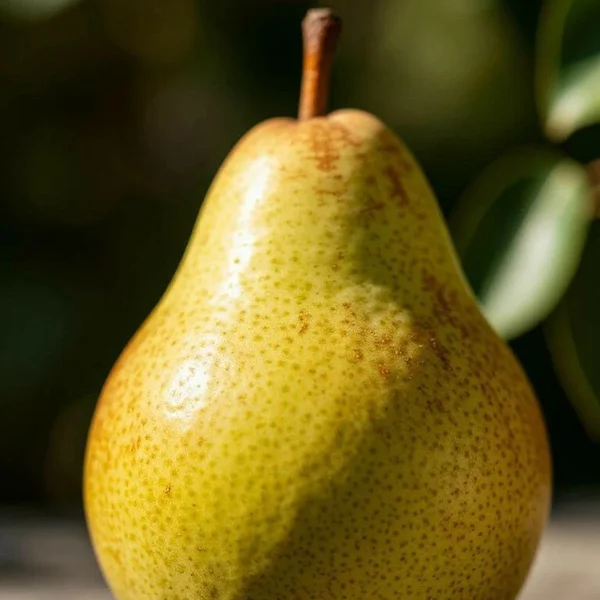
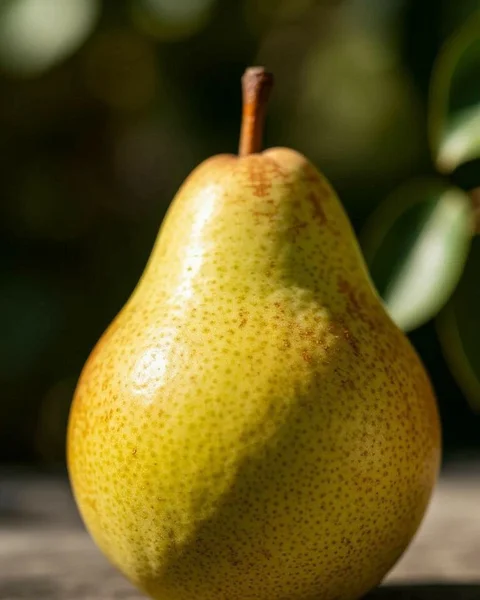
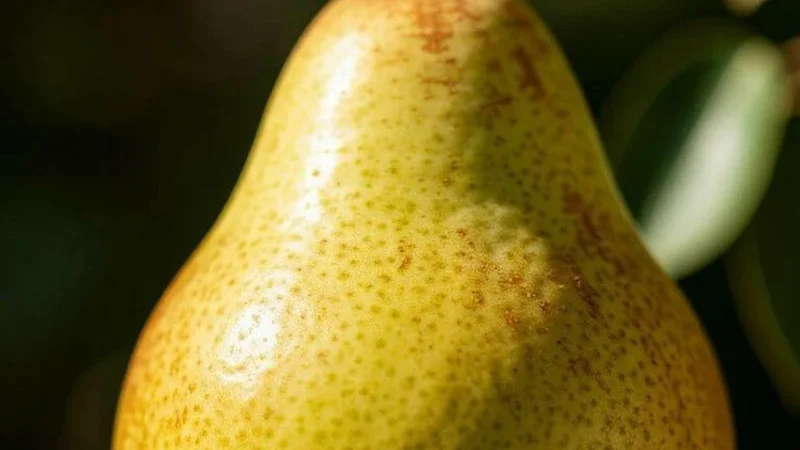
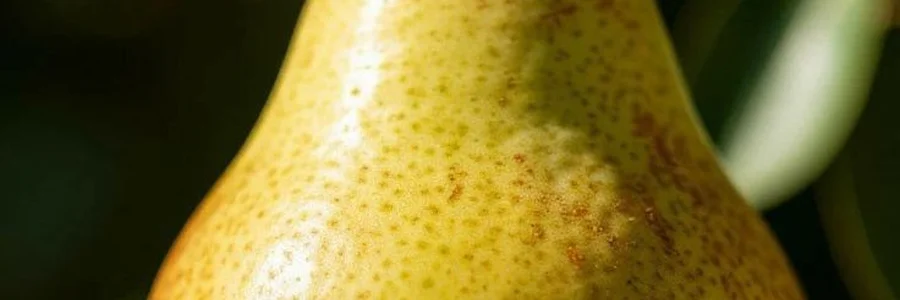
Crop an image by URL. Square for a catalog, portrait for a feed, wide for a banner. c_fill fills the exact size and crops the overflow, and g_ sets the anchor.
Background removal API
Cut it out with one token.
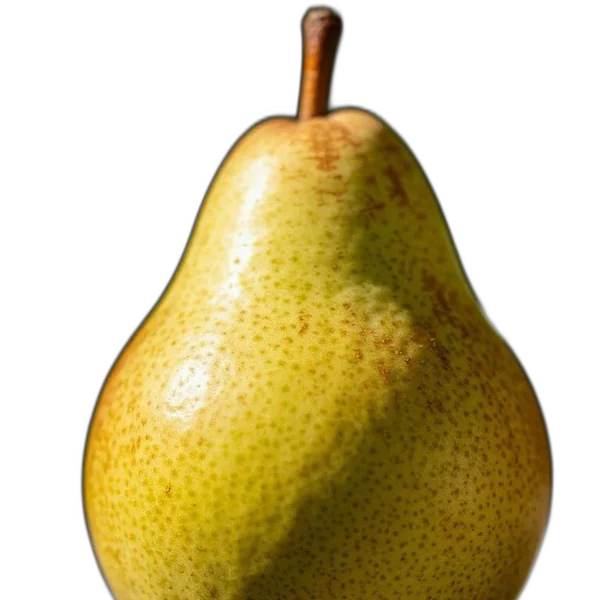
Add e_background_removal and ask for PNG to remove the background from an image with one API call. The subject comes back on a transparent background, ready to place on any page. Drag to compare.
 Original
Transparent PNG
Original
Transparent PNG
Image processing API capabilities
Build new images, not just smaller ones.
Text and image layers
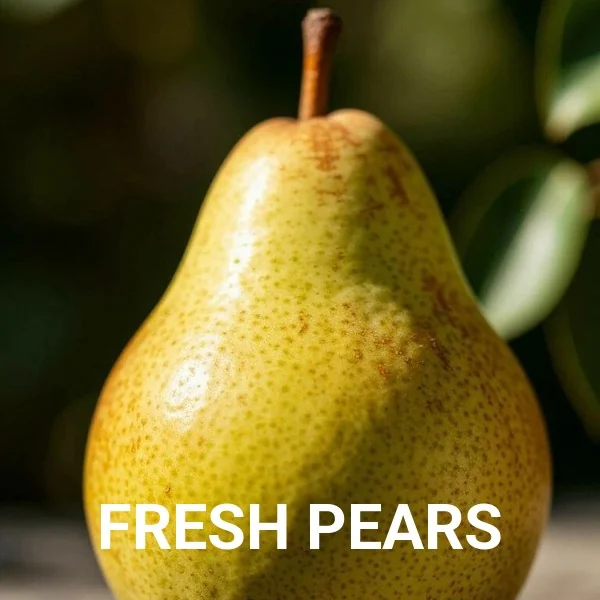
Layer text or another image over the base with your own font, size and weight. This one is Roboto, 64, bold, white, anchored to the bottom.
Effects, one token each
Grayscale, sepia, blur, sharpen, vignette, pixelate and oil paint, applied to the same base image.
e_grayscale e_sepia e_vignette
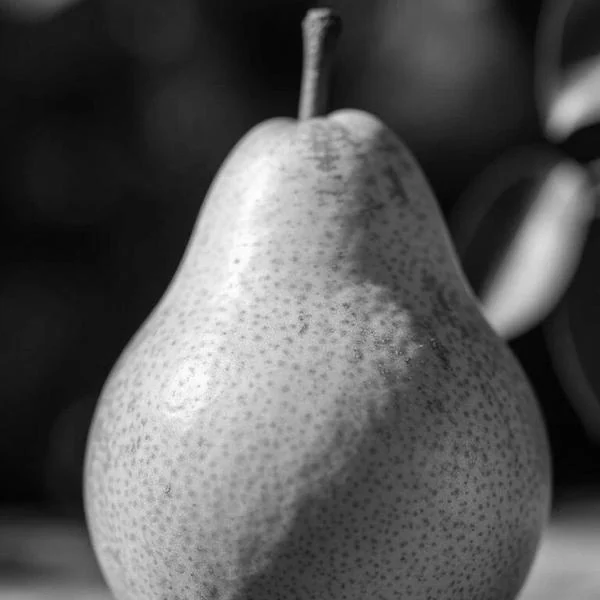 Grayscale
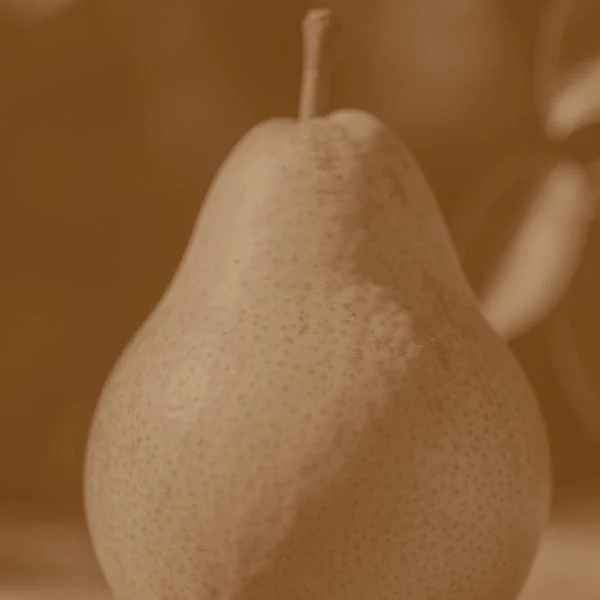 Sepia
Sepia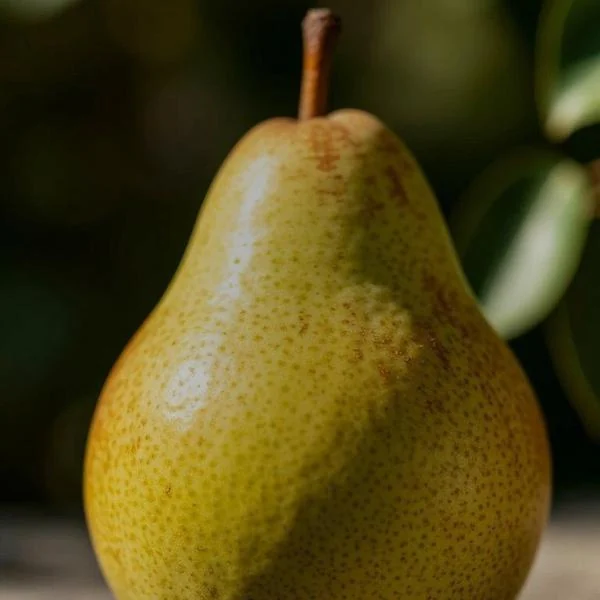 Vignette
Image optimization API: smaller files, same picture
Convert and compress images on request. Choose PNG, JPG, WebP or AVIF per request, set quality with q_, and tune pixel density with dpr_. Generated images are cached, so repeat requests are served from storage.
Original JPG · 88 KB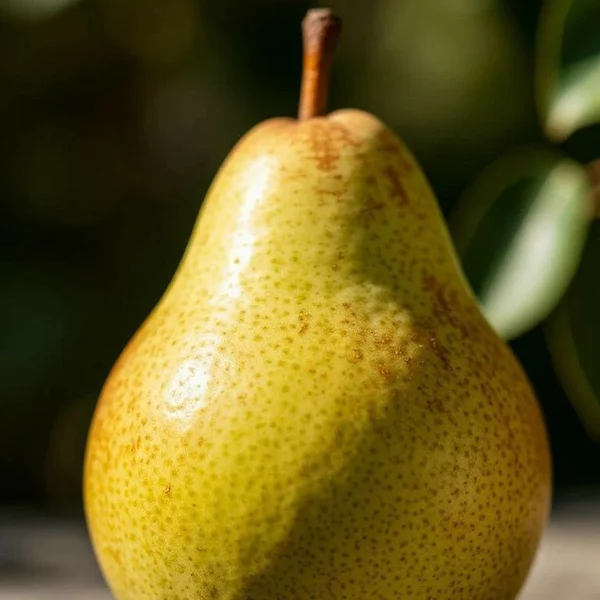 600x600 WebP · 29 KB
How it works
From base image to delivered variant.
Sign in
Log in with your credentials. Your personal API key is ready after first sign-in.
Upload base images
Organize them in folders. Upload images or videos as the base for every new image.
Transform with tokens
Resize, crop, add layers and apply effects with comma-separated tokens in the URL.
Deliver via API
Call the endpoint and a brand-new image is generated on the fly.
/api/:key/images/:folder/:image/w_600,
Built for teams
Access you control. Images you organize.
Secure by default
Every request needs a personal API key. Admins manage users and keys from one panel.
Trusted-IP whitelist
Admins can maintain a list of trusted IP addresses alongside user and key management.
Organized base images
Keep base images in folders. Videos show a poster-frame preview.