Skip to content

Examples

One photo. Twenty transformations.

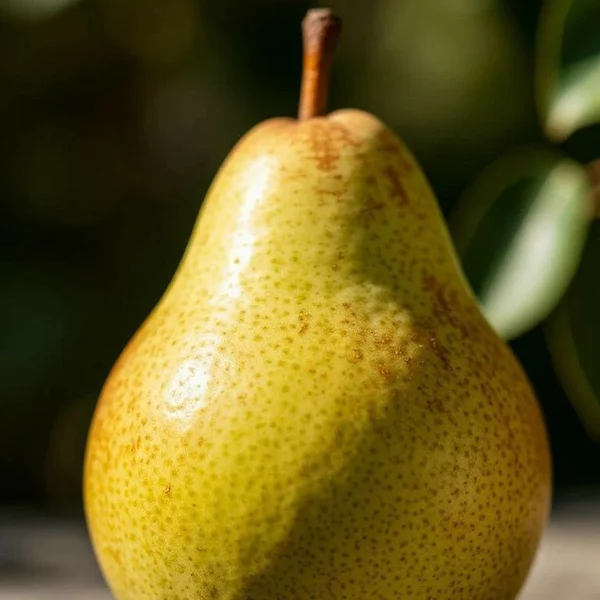
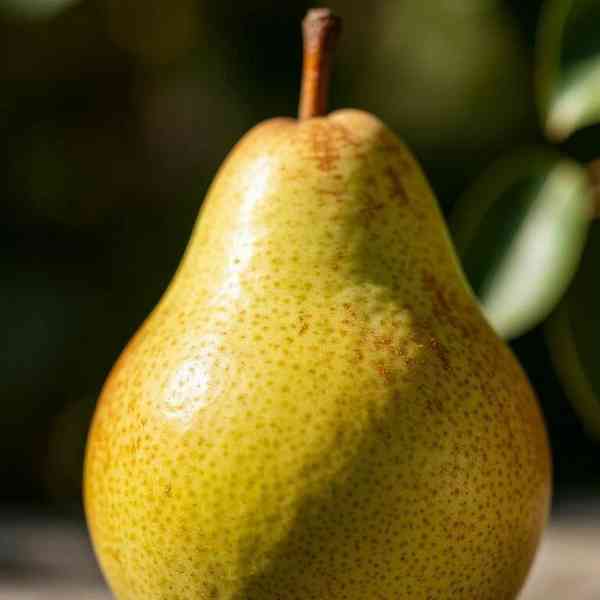
Every image on this page was rendered by the Image Studio engine from the same base photo. The exact token sits on each card, ready to copy.
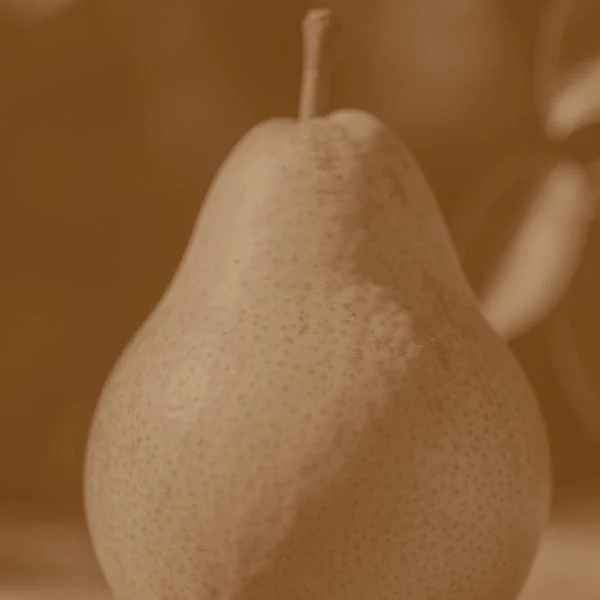
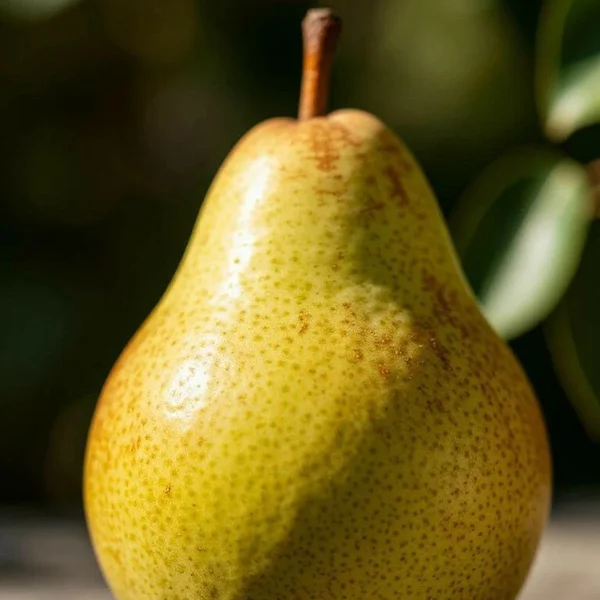
Sepia version of the pear Original pear photo Source e_sepia

Base photo: 736x1288 JPG, 88 KB. Drag to compare.

20 examples
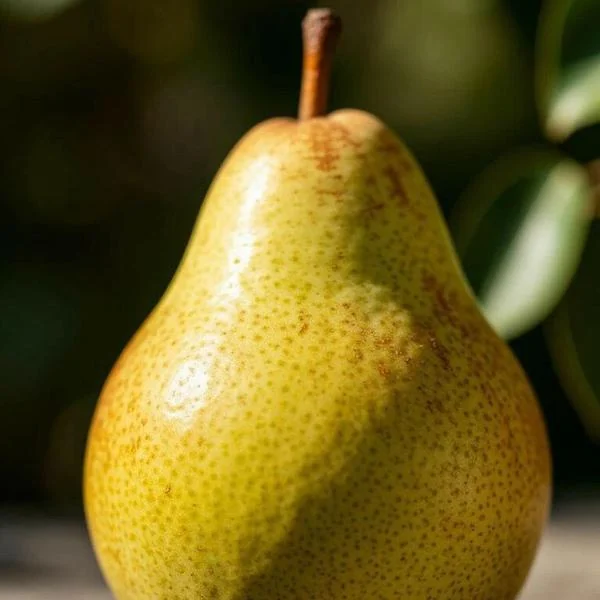
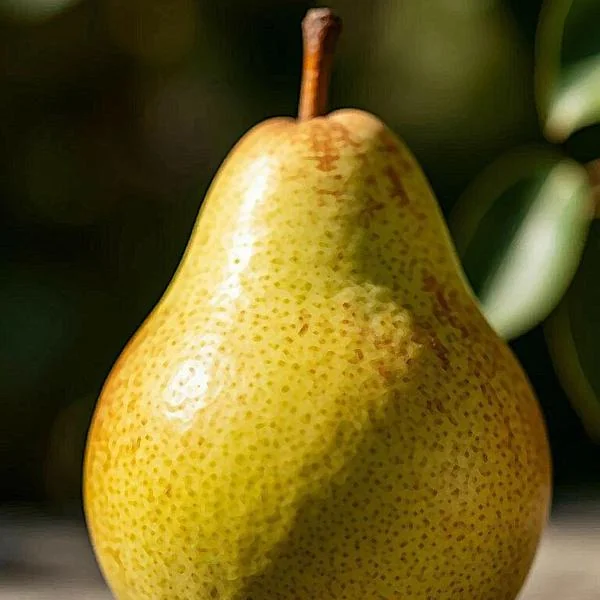
Fill applied to the pear photo 600x600
Fill Fills the exact size and crops the overflow.
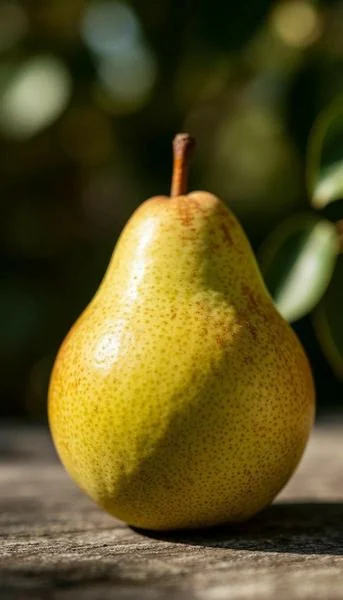
Fit applied to the pear photo 343x600
Fit Fits inside the size without cropping, keeping the original proportions.
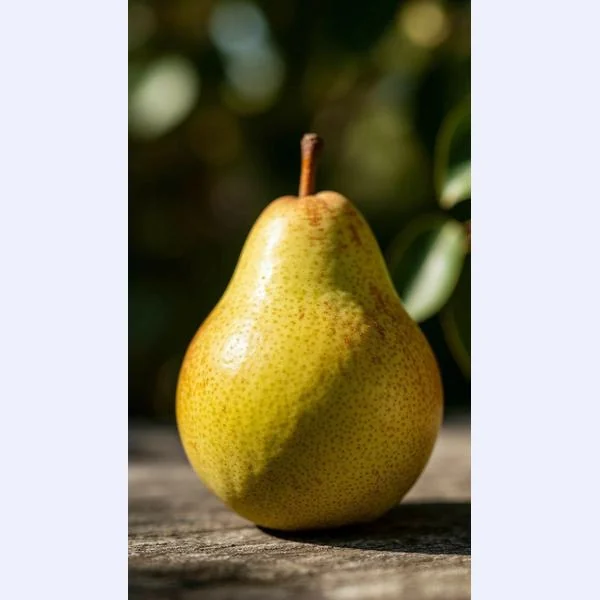
Pad applied to the pear photo 600x600
Pad Fits inside, then pads the rest with a background color.
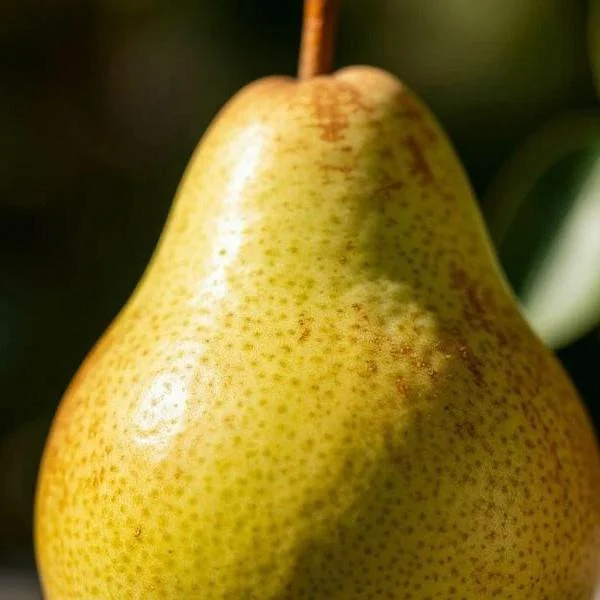
Thumb applied to the pear photo 600x600
Thumb Crops tight around the center.
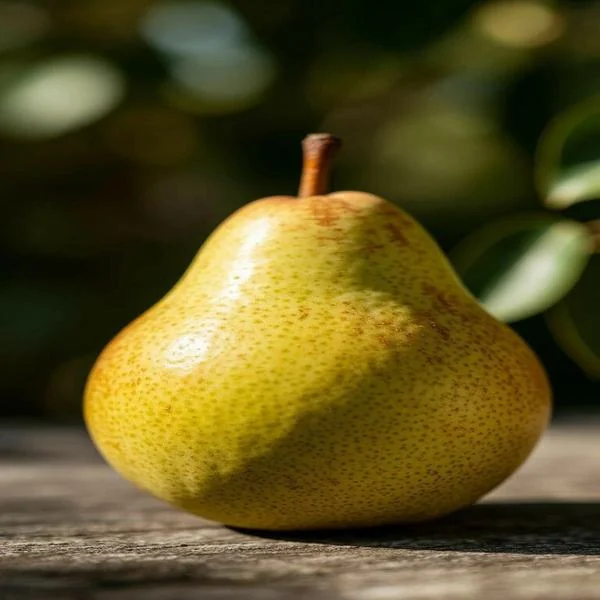
Scale applied to the pear photo 600x600
Scale Stretches to the exact size and ignores the aspect ratio.
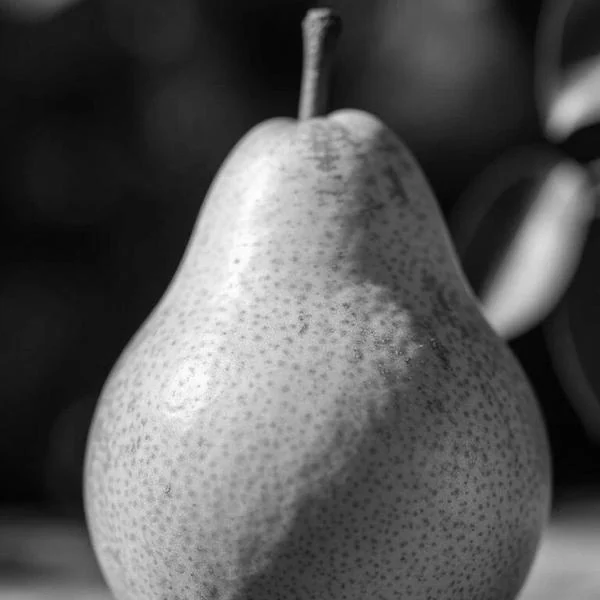
Grayscale applied to the pear photo 600x600
Grayscale Removes all color.
Sepia applied to the pear photo 600x600
Sepia A warm, vintage tone.
Blur applied to the pear photo 600x600
Blur Softens the whole image.
Vignette applied to the pear photo 600x600
Vignette Darkens the edges to draw the eye in.
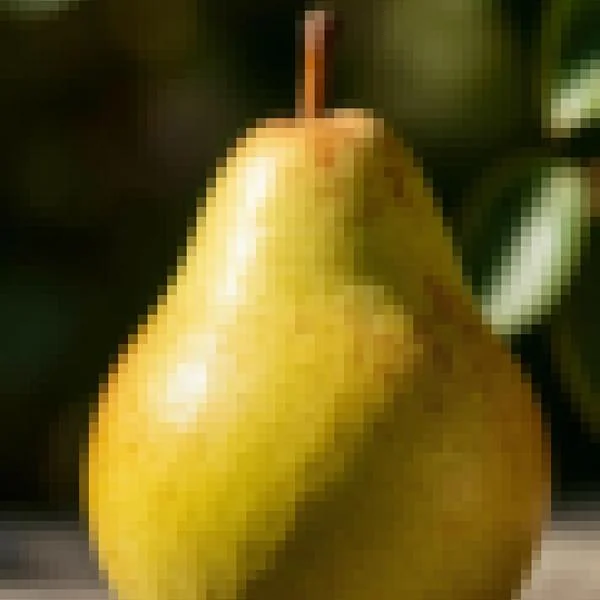
Pixelate applied to the pear photo 600x600
Pixelate Turns the image into blocks.
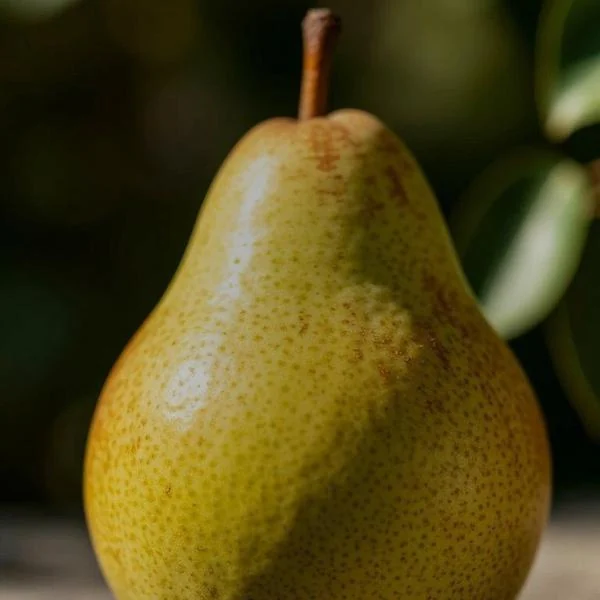
Oil paint applied to the pear photo 600x600
Oil paint A painterly brush texture.
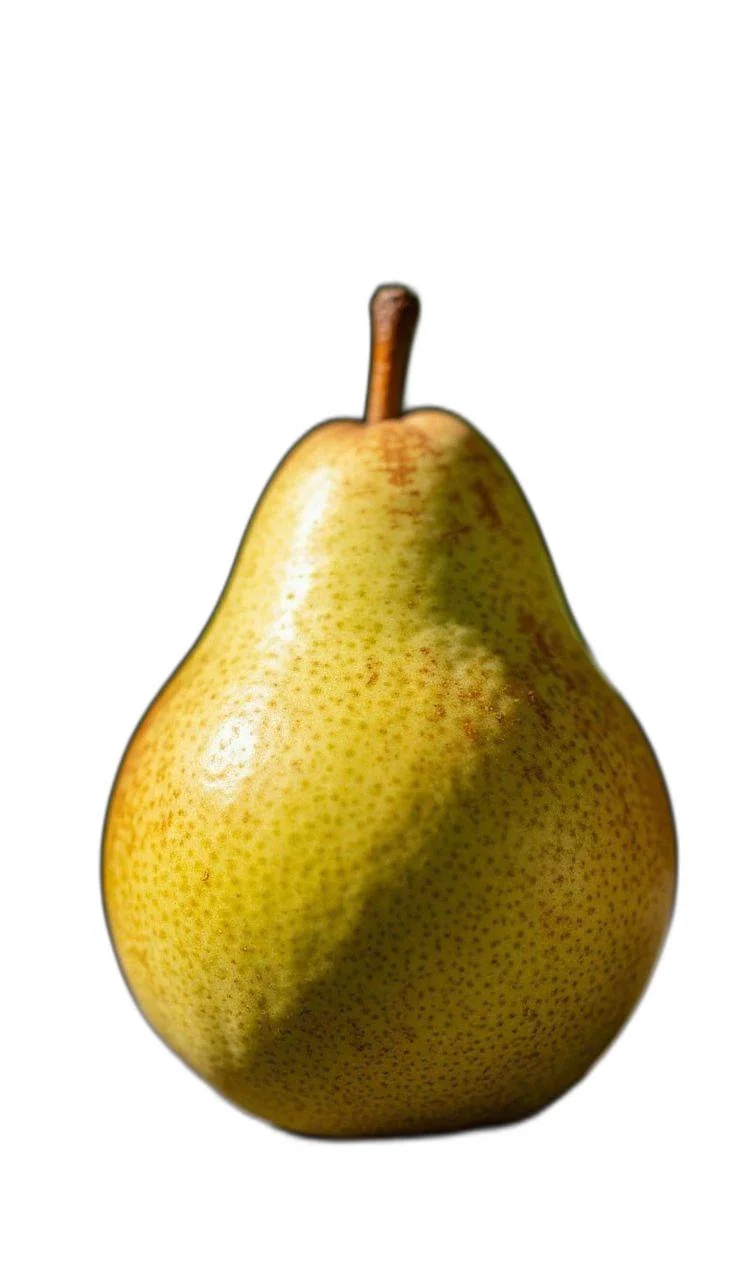
Named: remove background applied to the pear photo 736x1288
Named: remove background A named transformation: one short name for AI background removal.
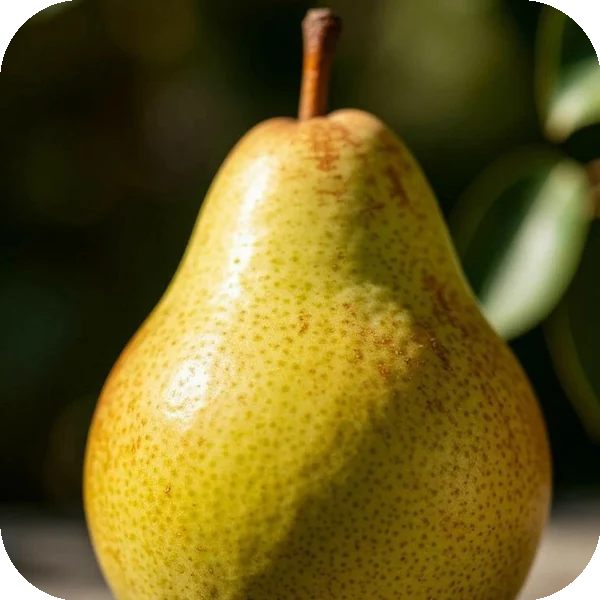
Rounded corners applied to the pear photo 600x600
Rounded corners Rounds the corners. PNG keeps them transparent.
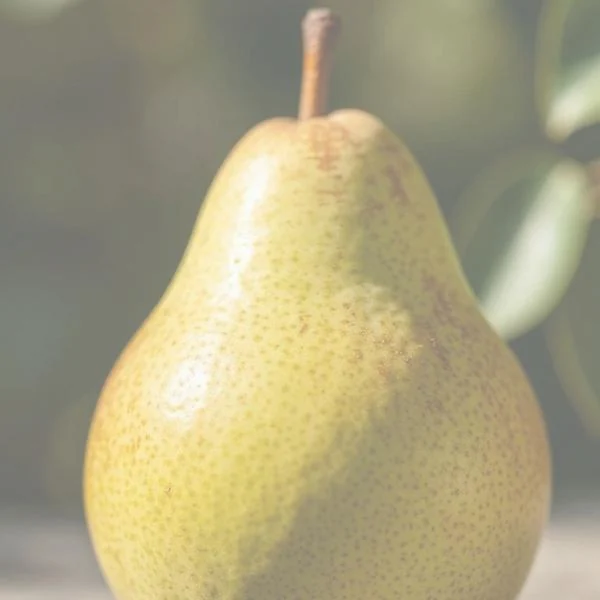
Opacity applied to the pear photo 600x600
Opacity Fades the image into a background color.
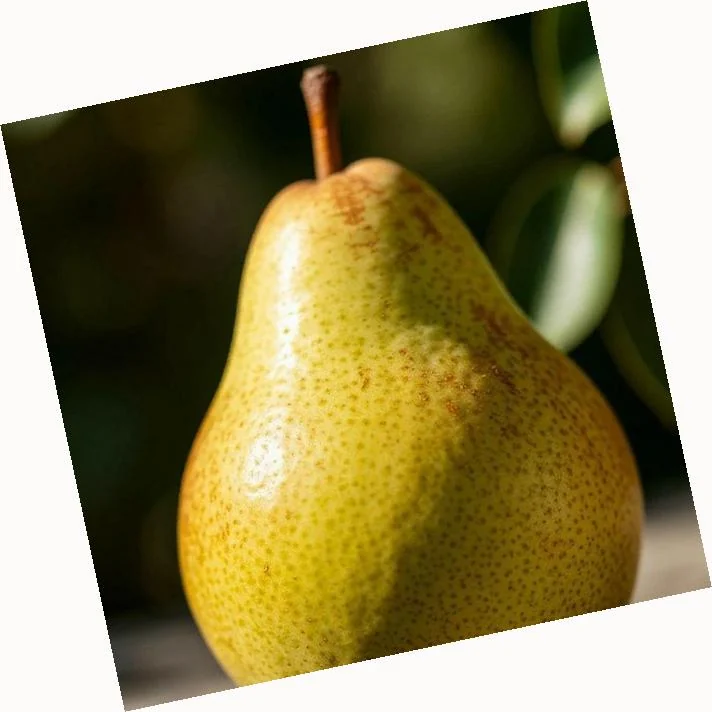
Rotate applied to the pear photo 712x712
Rotate Rotates by 12 degrees on a background.
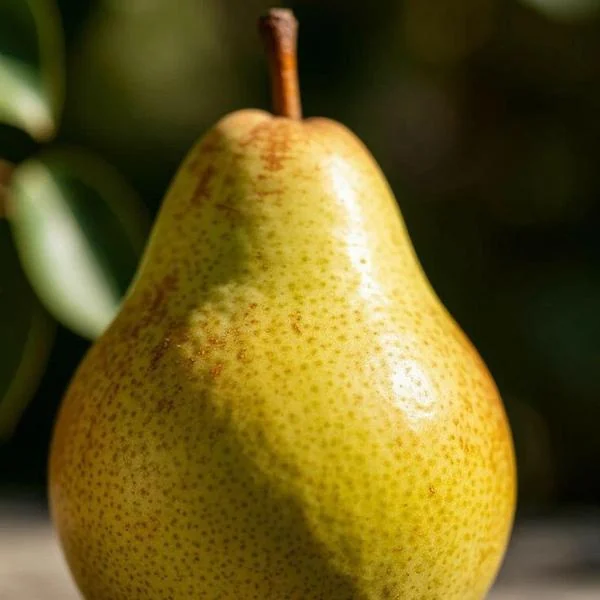
Flip applied to the pear photo 600x600
Flip Mirrors the image horizontally.
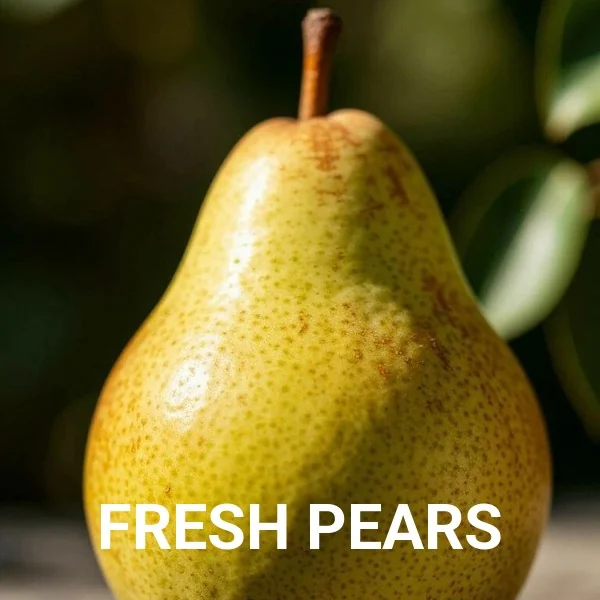
Text layer applied to the pear photo 600x600
Text layer Layers text over the image: Roboto, 64, bold, white, anchored to the bottom.
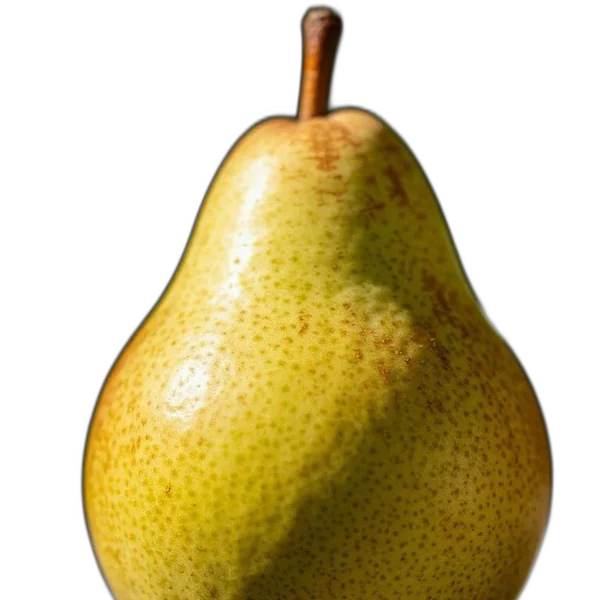
Cutout applied to the pear photo 600x600
Cutout AI background removal with a transparent PNG.
WebP applied to the pear photo 600x600 · 29 KB
WebP Delivers as WebP with automatic quality.
Quality 30 applied to the pear photo 600x600 · 16 KB
Quality 30 A lighter JPEG at quality 30.

Your photo. Your tokens.